Music Player
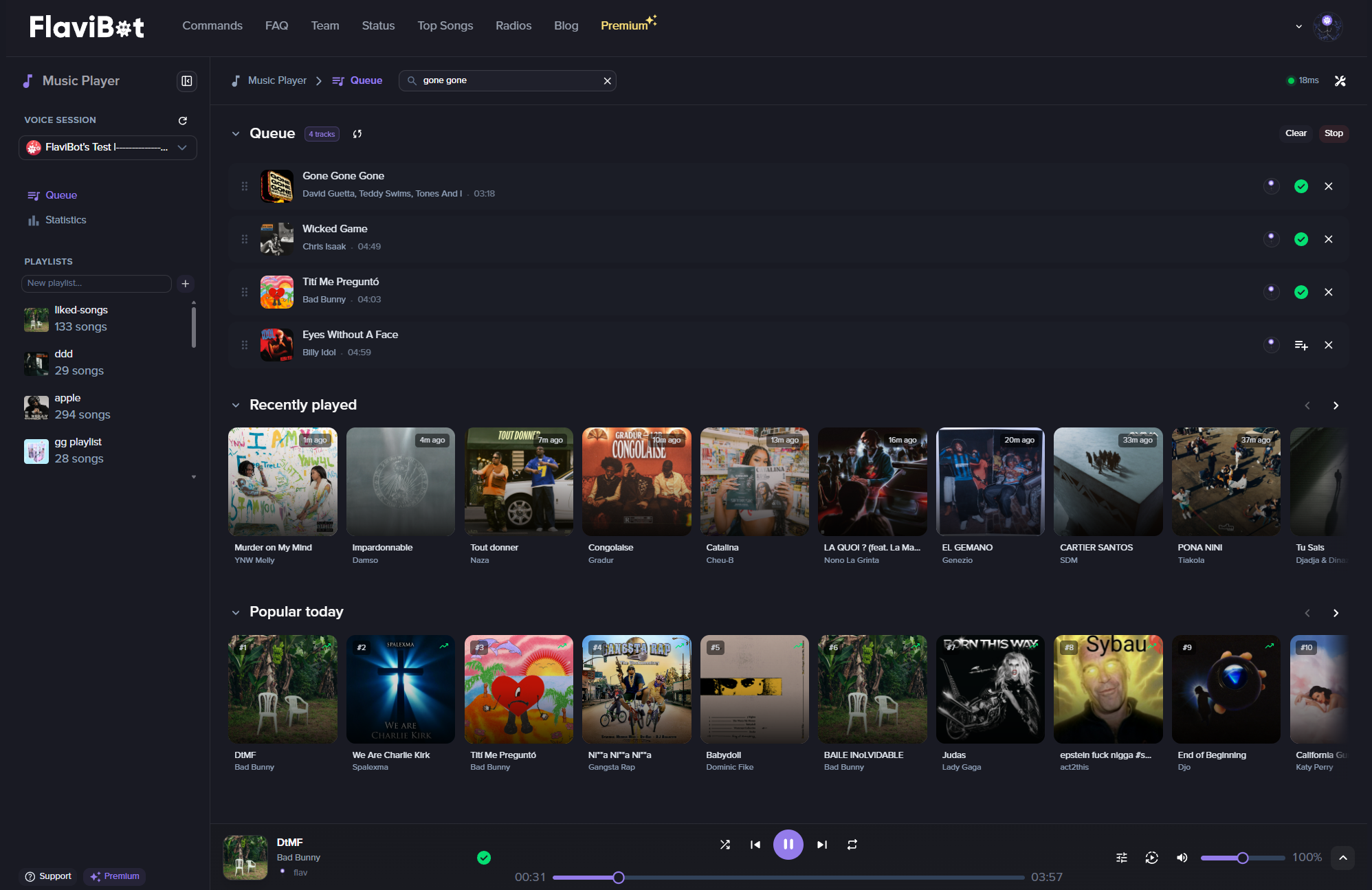
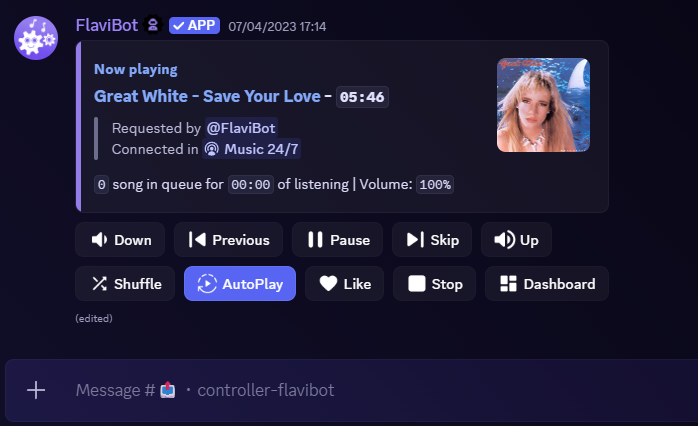
FlaviBot plays music in your voice channel from slash commands, the buttons on the now playing message, a controller channel or the web player, all driving the same queue. It supports Spotify, Apple Music, Deezer, Tidal and Amazon Music, plus radio stations, direct audio links and files uploaded with /play-file, and searches default to Spotify. FlaviBot does not support YouTube. Playback is free; a few commands such as /filter, /volume and /loop ask for a vote or Premium, and Premium raises the queue and playlist limits shown below.
Supported platforms
Supports Spotify, Apple Music, Deezer, Tidal and Amazon Music, plus radio stations, direct audio links and uploaded audio files. Searches default to Spotify.
A queue you can shape
Page through it with /queue, move, remove or jump to any track, clear duplicates, and drop the songs of members who left the voice channel.
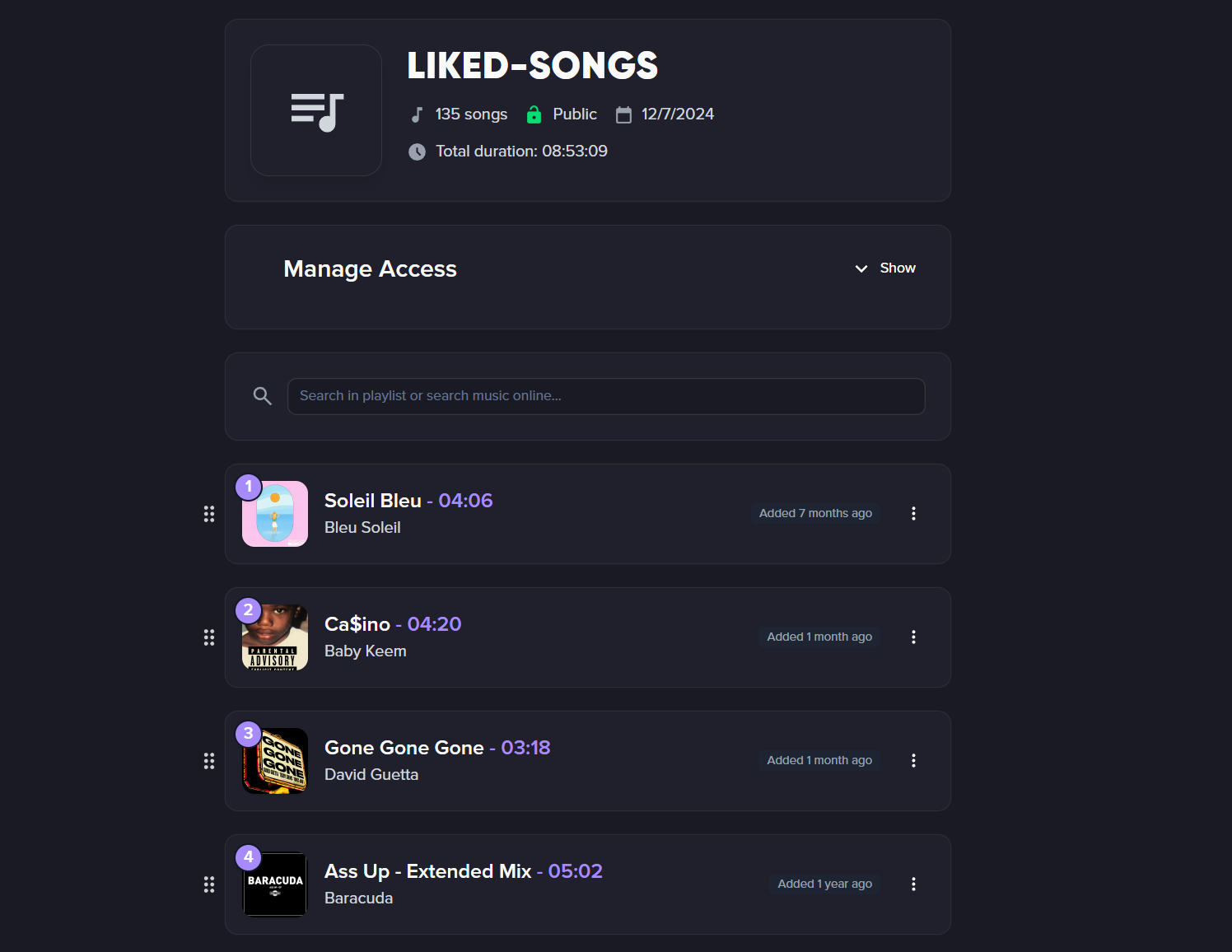
Personal and server playlists
Save playlists that follow you to any server, or let a server own playlists everyone can play, with the roles you choose adding or removing songs.
Audio filters
Bassboost, nightcore, demon, 8D, karaoke and vibrato, plus speed and pitch dials. Filters stack and come back with the player after a restart.
Full documentation
Every setting explained, step by step.
Slash commands
The slash commands you'll use with this feature on Discord.
/play/play-file/queue/remove/move/jump/clearqueue/removedupes/leavecleanup/nowplaying/pause/resume/skip/previous/stop/volume/loop/shuffle/seek/lyrics/radios/start/playlist/history/disconnect/join/24-7/autoplay/filter
Limits by plan
The numbers FlaviBot enforces. They follow the server's plan, except saved playlists and custom bots, which follow your account's plan.
| Limit | Free | Silver | Gold | Platinum |
|---|---|---|---|---|
| Songs in the queue | 200 | 100,000 | 100,000 | 100,000 |
| Songs read from an imported playlist | 500 | 10,000 | 10,000 | 10,000 |
| Saved playlists (per account) | 3 | Unlimited | Unlimited | Unlimited |
| Server Playlists | 2 | Unlimited | Unlimited | Unlimited |
Questions about Music Player
Does FlaviBot support YouTube?
No. FlaviBot does not support YouTube. Paste a link from Spotify, Apple Music, Deezer, Tidal or Amazon Music, or search by title.
Is FlaviBot's music free?
Yes. Playing, queueing and skipping are free. A few commands, such as /filter, /volume, /loop and /seek, ask for a free vote on top.gg that lasts 12 hours, and Premium on the server or on your account skips that ask. 24/7 mode needs Premium on the server.
What permissions does FlaviBot need to play music?
View Channel, Connect and Speak in your voice channel. If one is missing, /play names it instead of failing silently.
When does FlaviBot leave the voice channel?
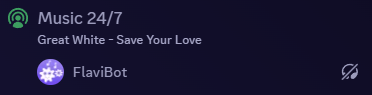
After 10 minutes alone in the voice channel, or after 10 minutes with nothing playing. Premium servers can shorten that delay, and 24/7 mode keeps it connected.
Related features
- DJ ModeFlaviBot's DJ Mode decides who may play, skip, stop or change the volume, with Allow, Deny and Inherit set per member, per role and for everyone.
- Web Music PlayerFlaviBot's web player controls your server's music from a browser: live queue, search, playlists, radios, filters and synced lyrics, all in real time.
- Smart Bot RoutingJust use /play and FlaviBot automatically picks an available music bot. No need to choose which one to use.
Ready to try it out?
Add FlaviBot to your server and start using this feature for free.
Add to Discord